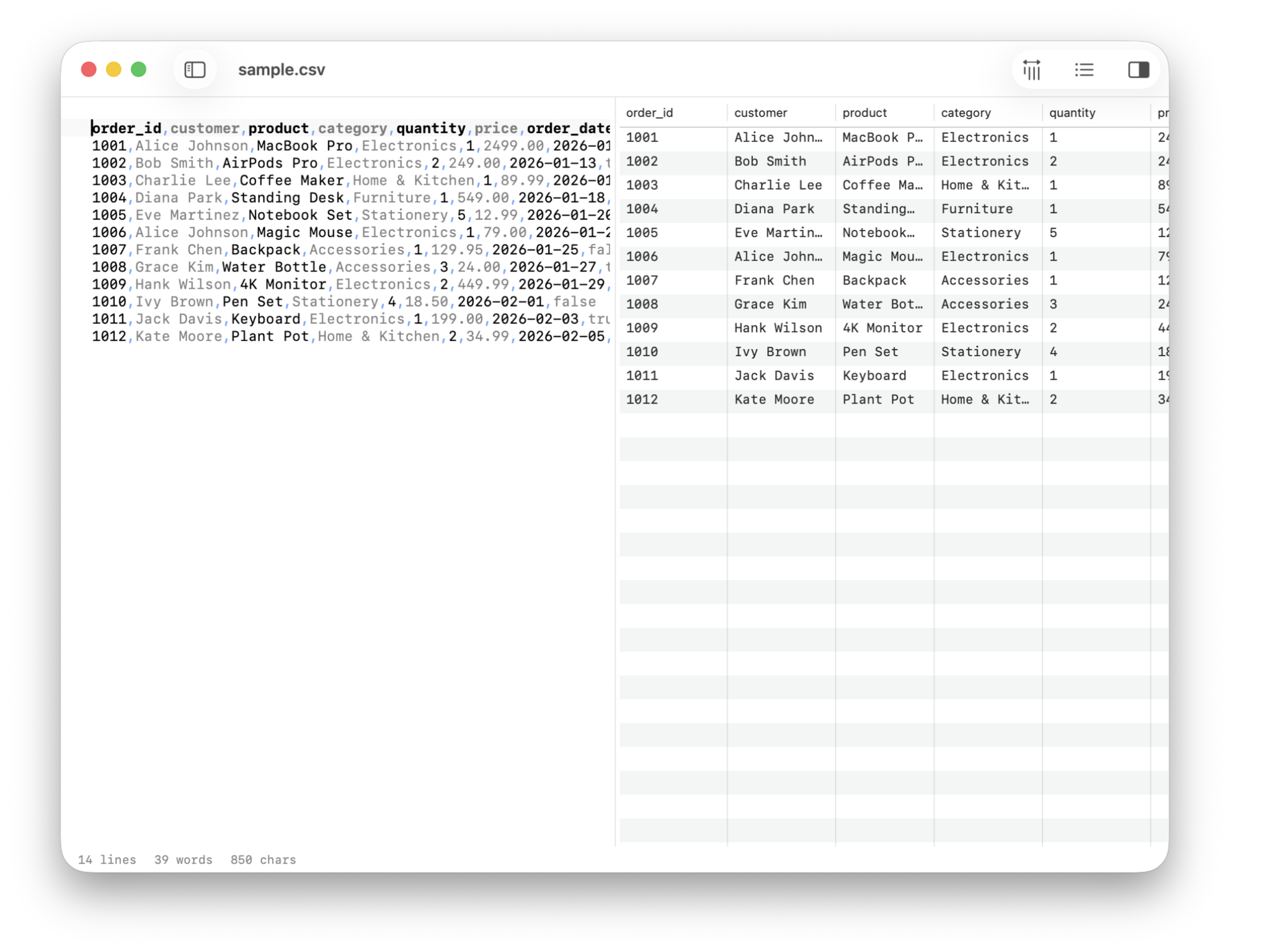

TinyCSV
Your data as a table, not a spreadsheet
Click any cell to jump to its position in the raw source. Sorts numerically when it can, handles all the edge cases you'd rather not think about.
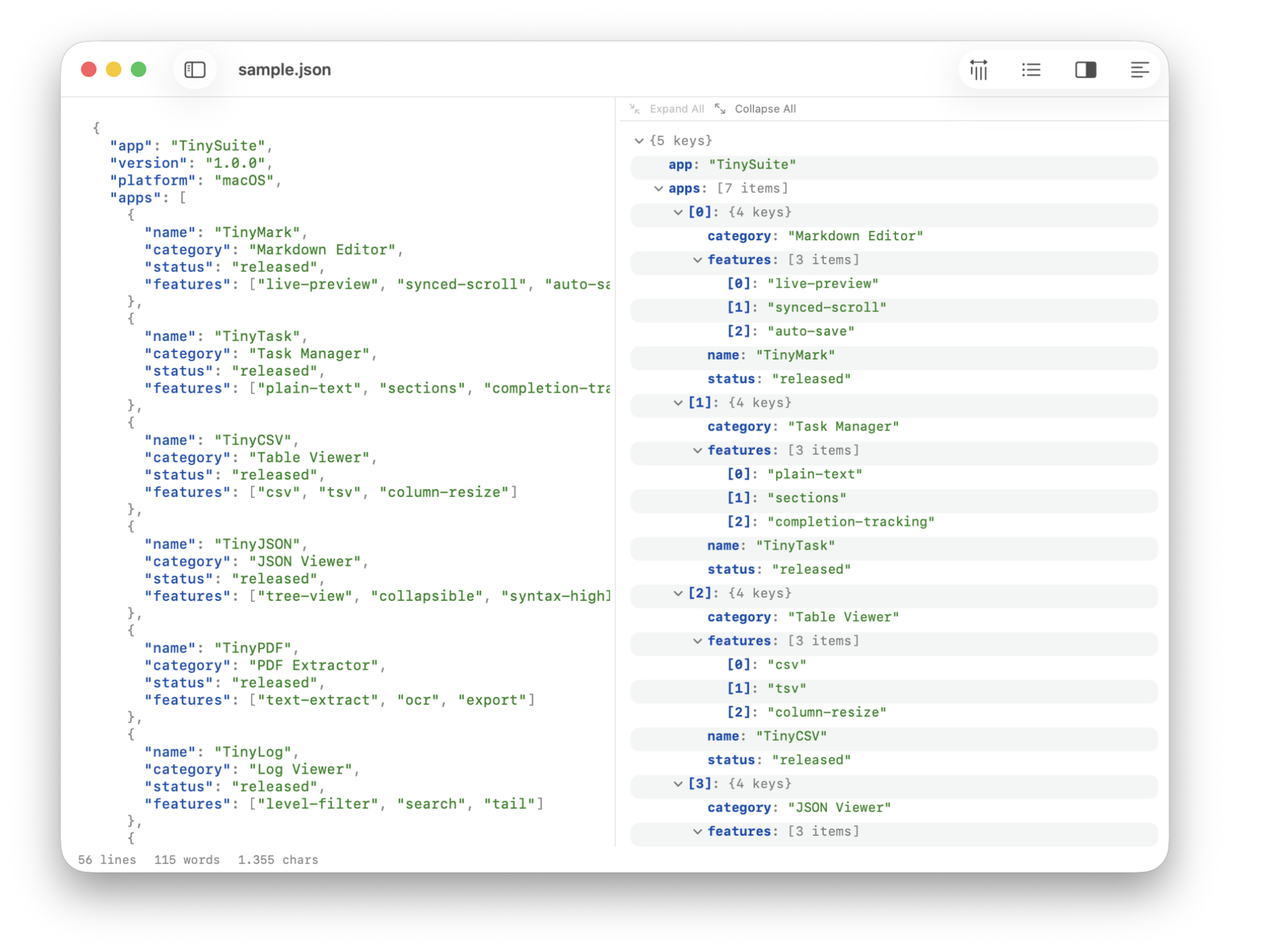
TinyJSON
Browse the tree, edit the source
Collapsible tree on one side, syntax-highlighted source on the other. If the JSON is broken, it tells you exactly where. Auto-reloads when the file changes on disk.
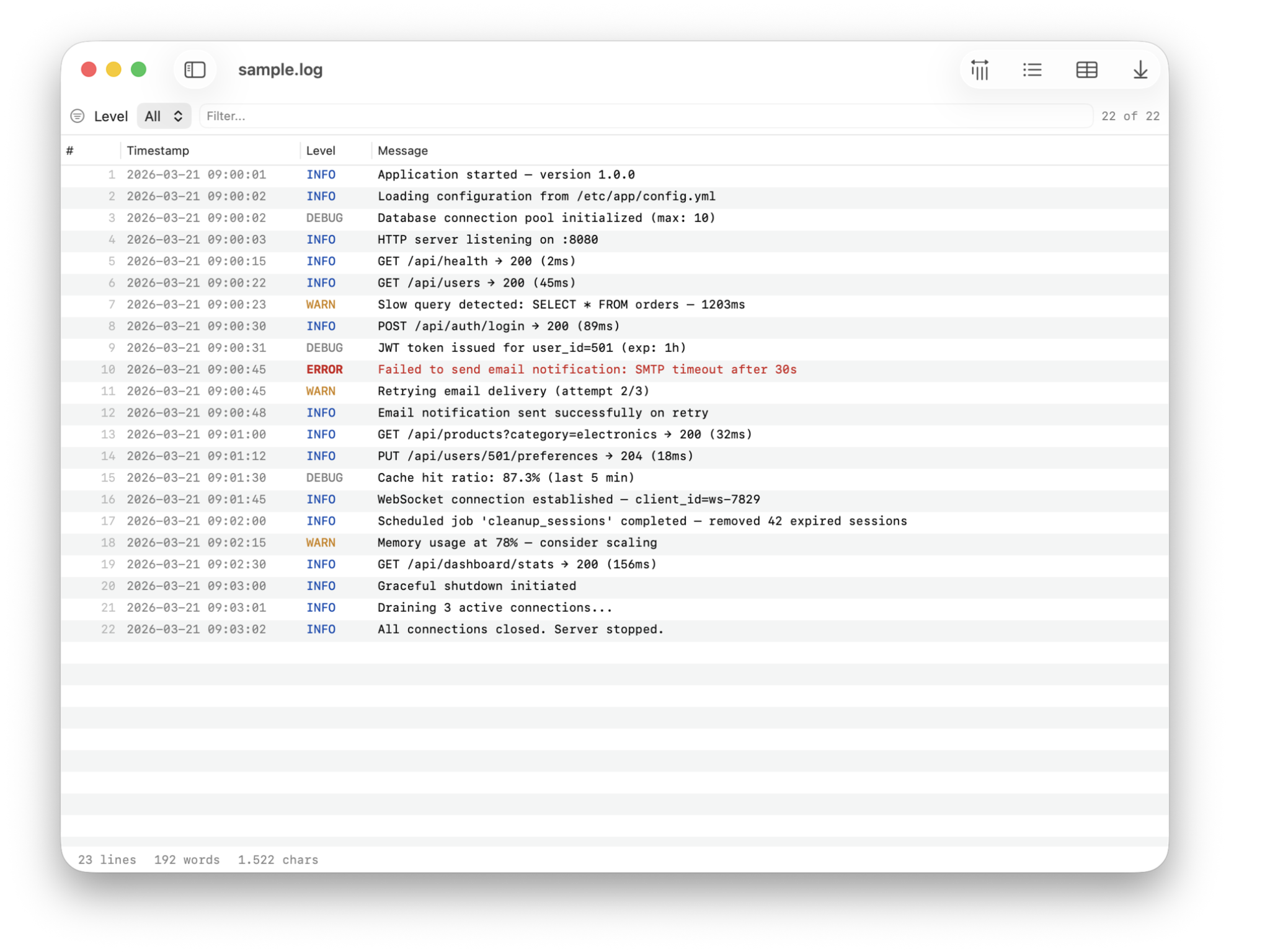

TinyLog
Color-coded levels, live tail, zero noise
Errors in red, warnings in amber, info in blue. Filter by level, live-tail as the file grows. Read-only by design — you observe, you don't edit.
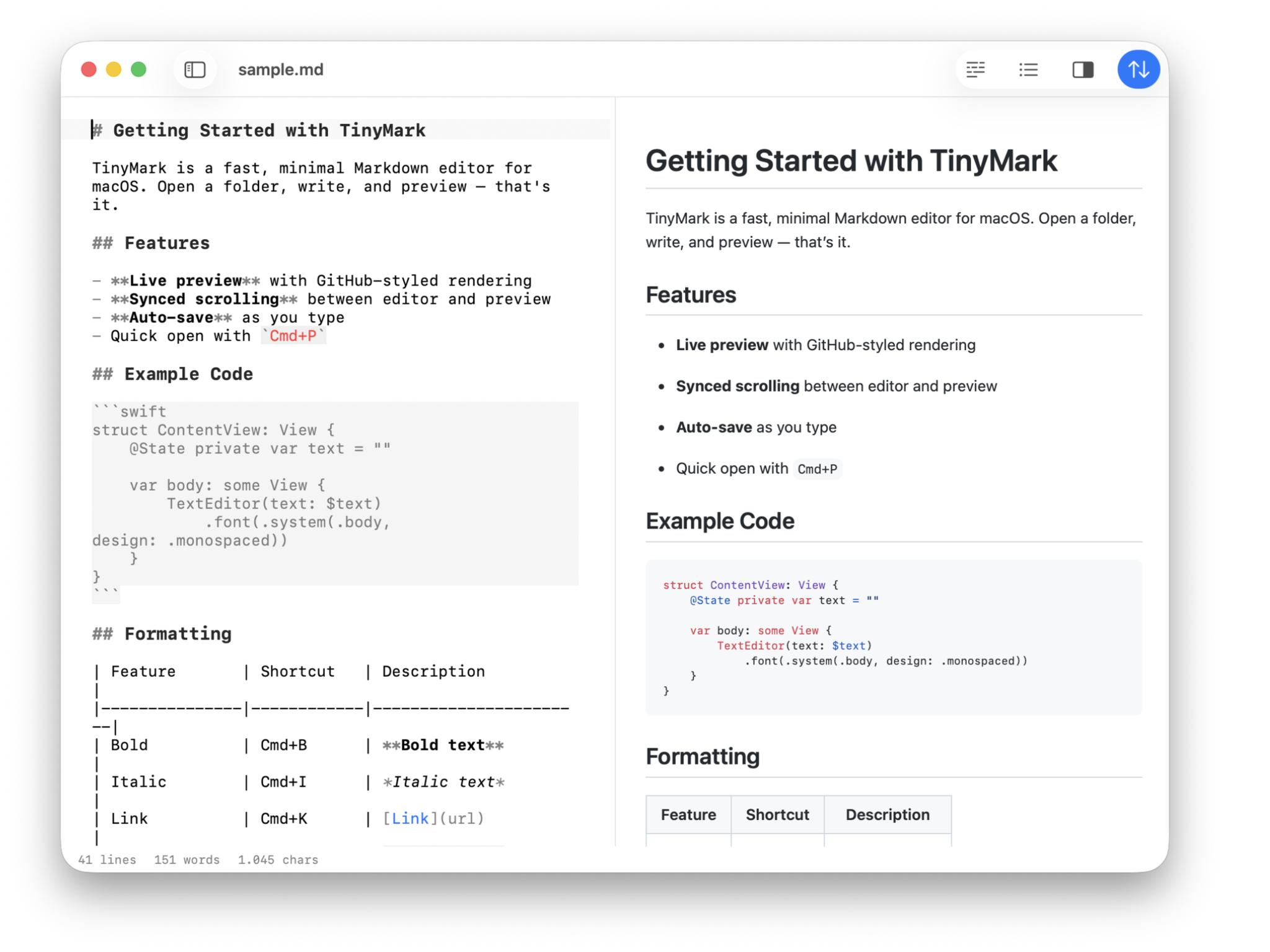

TinyMark
Write on the left, preview on the right
Three panels, synced scrolling, and nothing else. Smart pairs, fuzzy finder, auto-save — it stays out of your way.
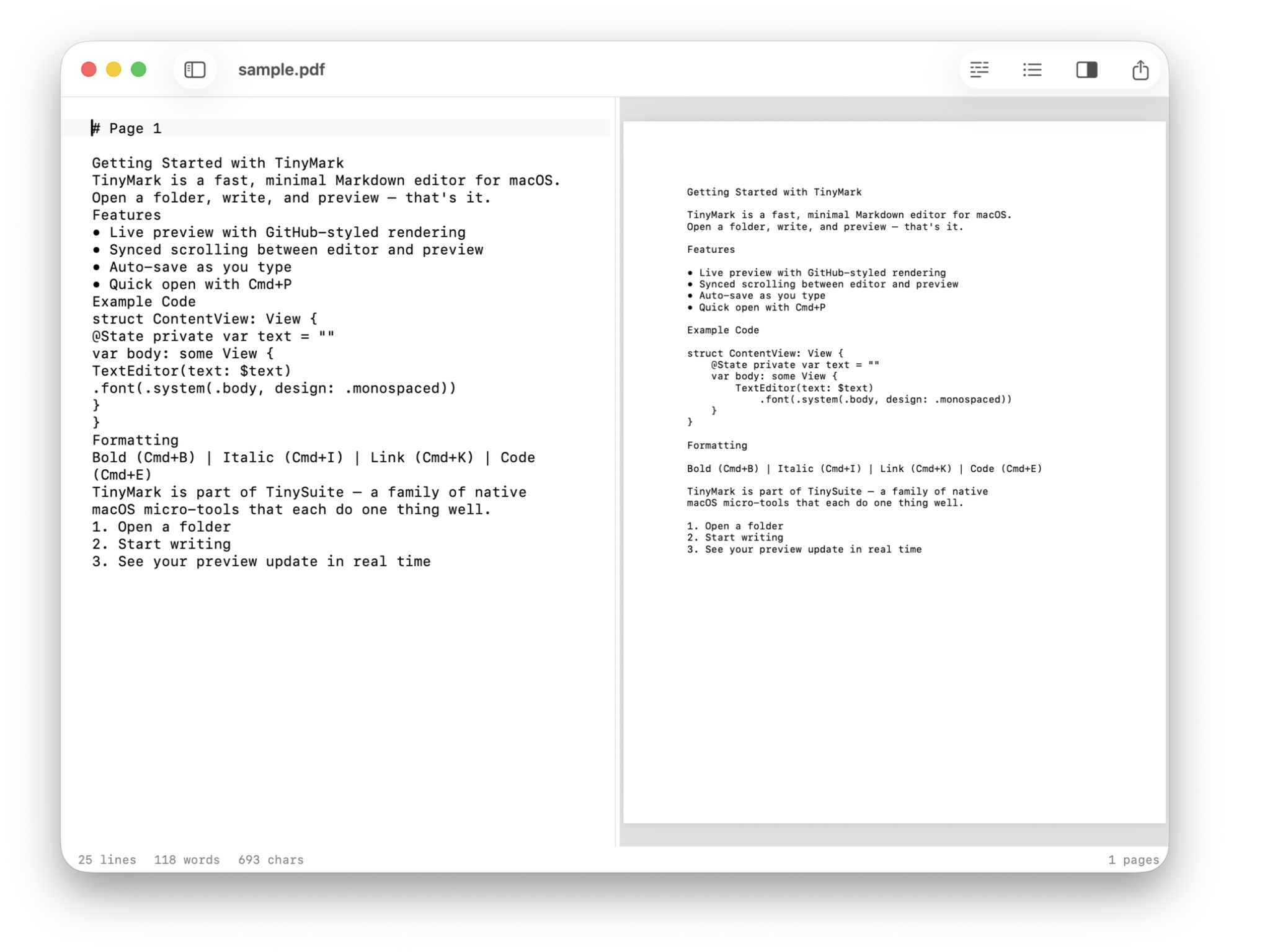

TinyPDF
Text from any PDF, scans included
Text extracted page by page, displayed alongside the original document. Built-in OCR handles scans. Export to Markdown with ⌘S.
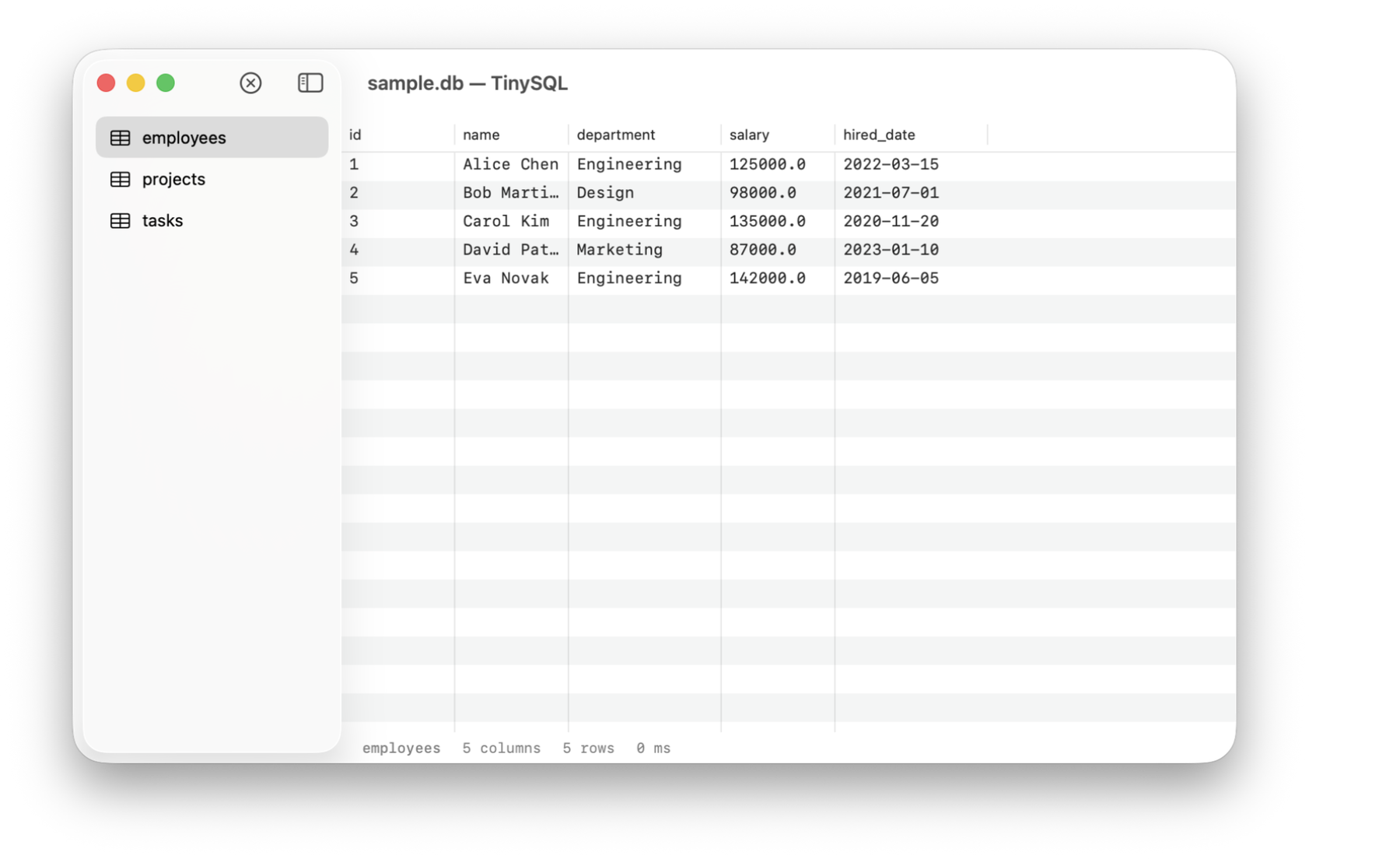
TinySQL
Browse your tables, not manage them
Pick a table, see its rows in a sortable grid. Pure Swift talking Postgres wire protocol — no drivers, no setup. A window into your database, not a management tool.

TinyTask
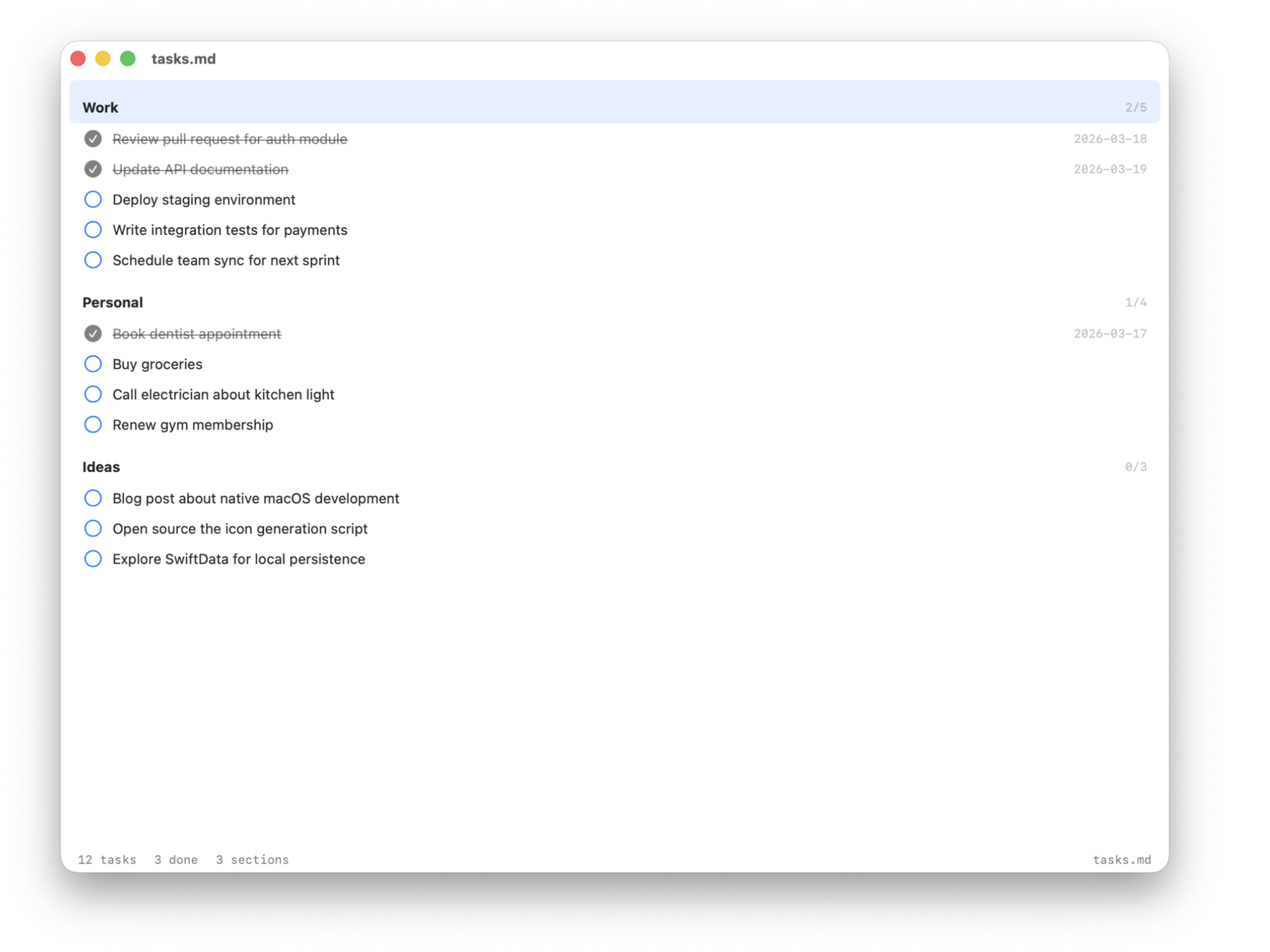
Keyboard-first tasks in plain text
Arrow keys to navigate, Space to check off. Files are plain Markdown with - [ ] checkboxes — no database, no sync, just a text file you own.

TinyText
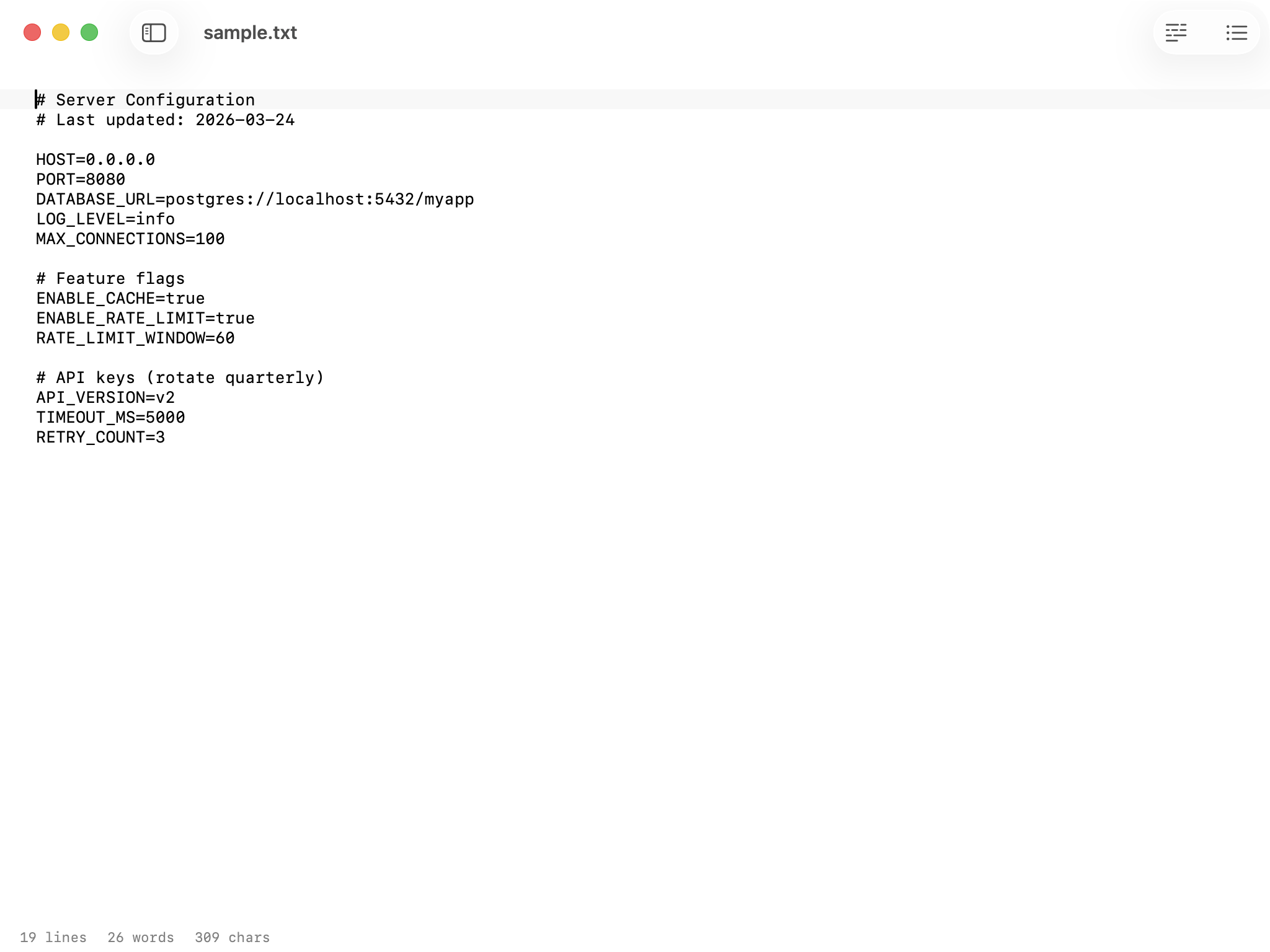
Edit the file, not the app
A clean plain text editor for everything the other Tiny apps don't handle. Config files, shell scripts, dotfiles, READMEs — open the file, edit it, move on.

TinyYAML
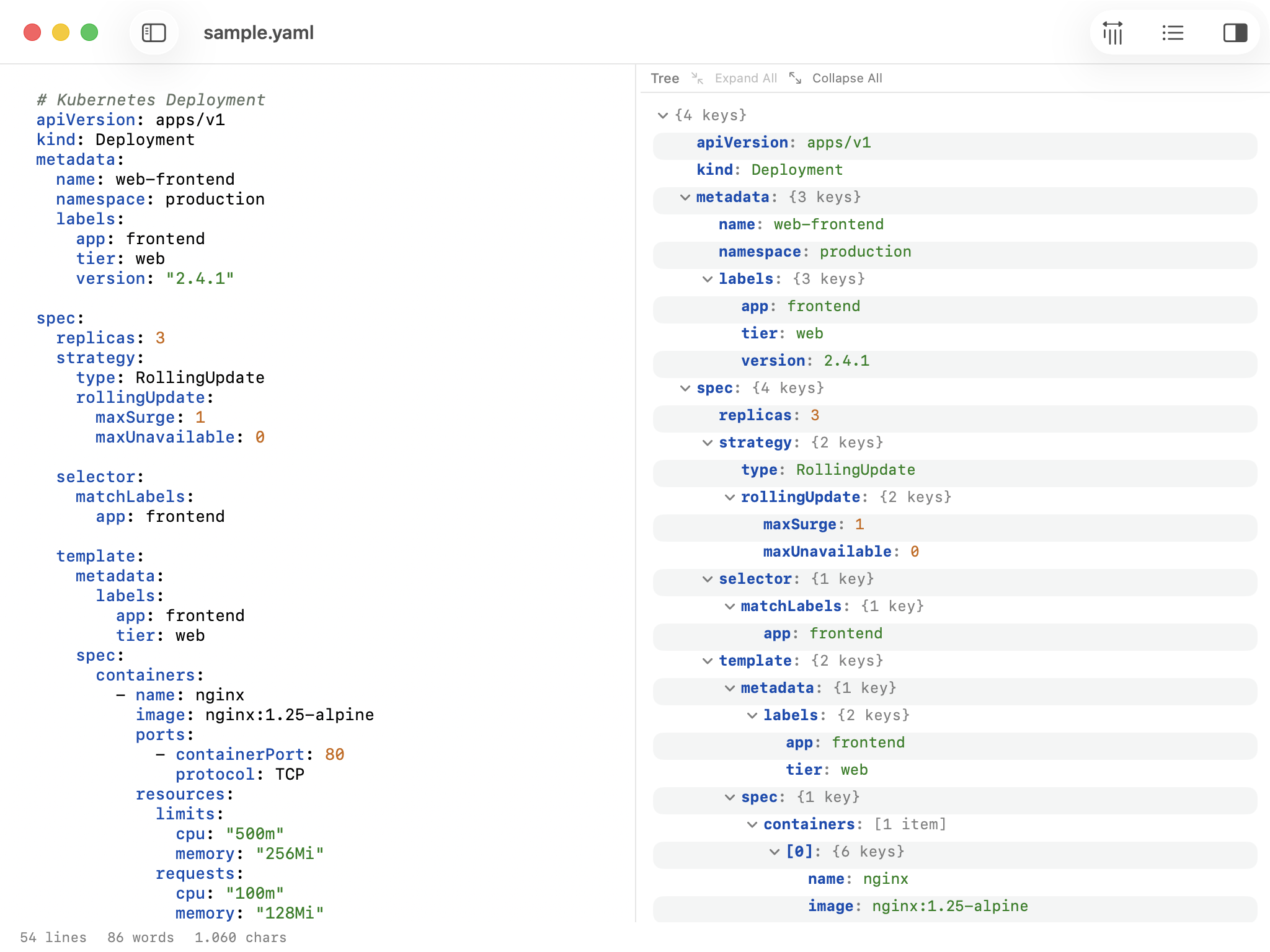
Browse the tree, catch the indent
Collapsible tree on one side, syntax-highlighted source on the other. If the indentation is wrong, it tells you exactly where. Built for Kubernetes manifests, Docker Compose files, and CI configs.